Transaction Coordinator Kit: Deadline Tracker + Checklists
Deadline tracker for Excel and Google Sheets, plus contract-to-close checklists and 8 client update emails.
$19.99
Instant download. Sales tax added at checkout where it applies.
US buyers only. Outside the US, buy on Etsy or Gumroad.
Have a discount code? Enter it on the checkout page.
- Format
- Excel + Google Sheets + PDF
- Tracks
- Up to 30 files
- Templates
- 8 client update emails
Missed deadlines are the costly part of every transaction. Type the effective date once and this tracker works out each deadline, flags what is due soon and keeps a This Week list across all of your files.
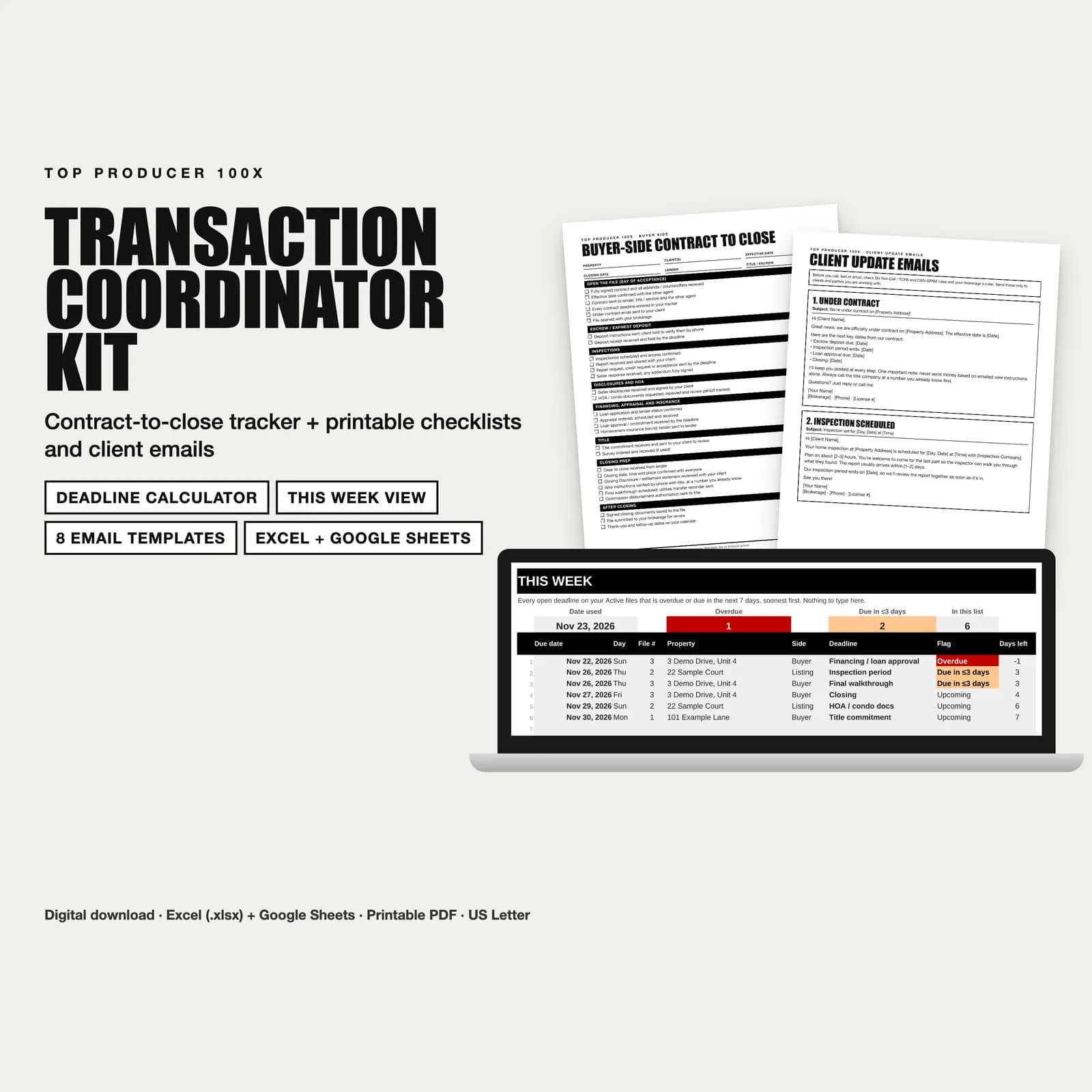
This transaction coordinator kit helps TCs and real estate agents keep every file on track from contract to close. It includes a deadline tracker for Excel and Google Sheets, plus printable checklists and client update emails.
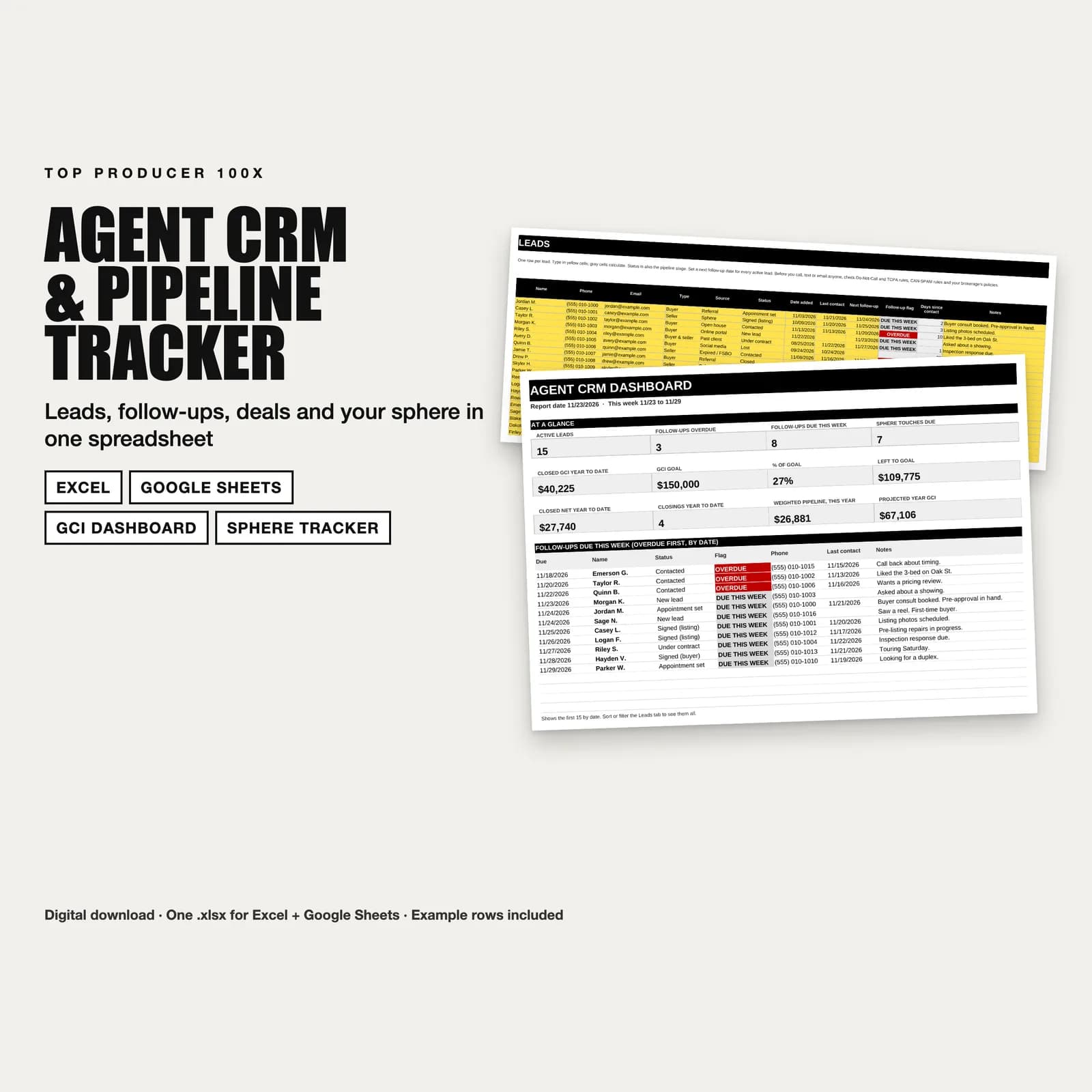
You type the effective date once. The tracker works out every deadline, flags anything Overdue or Due in 3 days or less, and gives you one This Week list across all your files.
What's inside
Transaction Coordinator Tracker (.xlsx for Excel + Google Sheets)
- This Week lists everything overdue or due in the next 7 days across all active files, soonest first
- Files has one row per transaction with side (buyer or listing), effective date, closing date, status, next deadline and documents received
- The deadline calculator covers escrow deposit, inspection period, HOA docs, title, appraisal, financing / loan approval, final walkthrough and closing
- Each deadline gets a due date and a flag: Done, Due in 3 days or less, Overdue or Upcoming
- Set your usual day counts once, then change the days or type a fixed date for any file
- Buyer-side and listing-side document checklists for every file
- Contacts for the lender, title / escrow, inspector and other agent on each file
- Room for 30 files, with example files included so you can see how it works
Contract-to-Close Checklists & Email Templates (9-page printable PDF)
- Buyer-side contract-to-close checklist
- Listing-side contract-to-close checklist
- Blank transaction timeline worksheet with key contacts
- Closing-day checklist
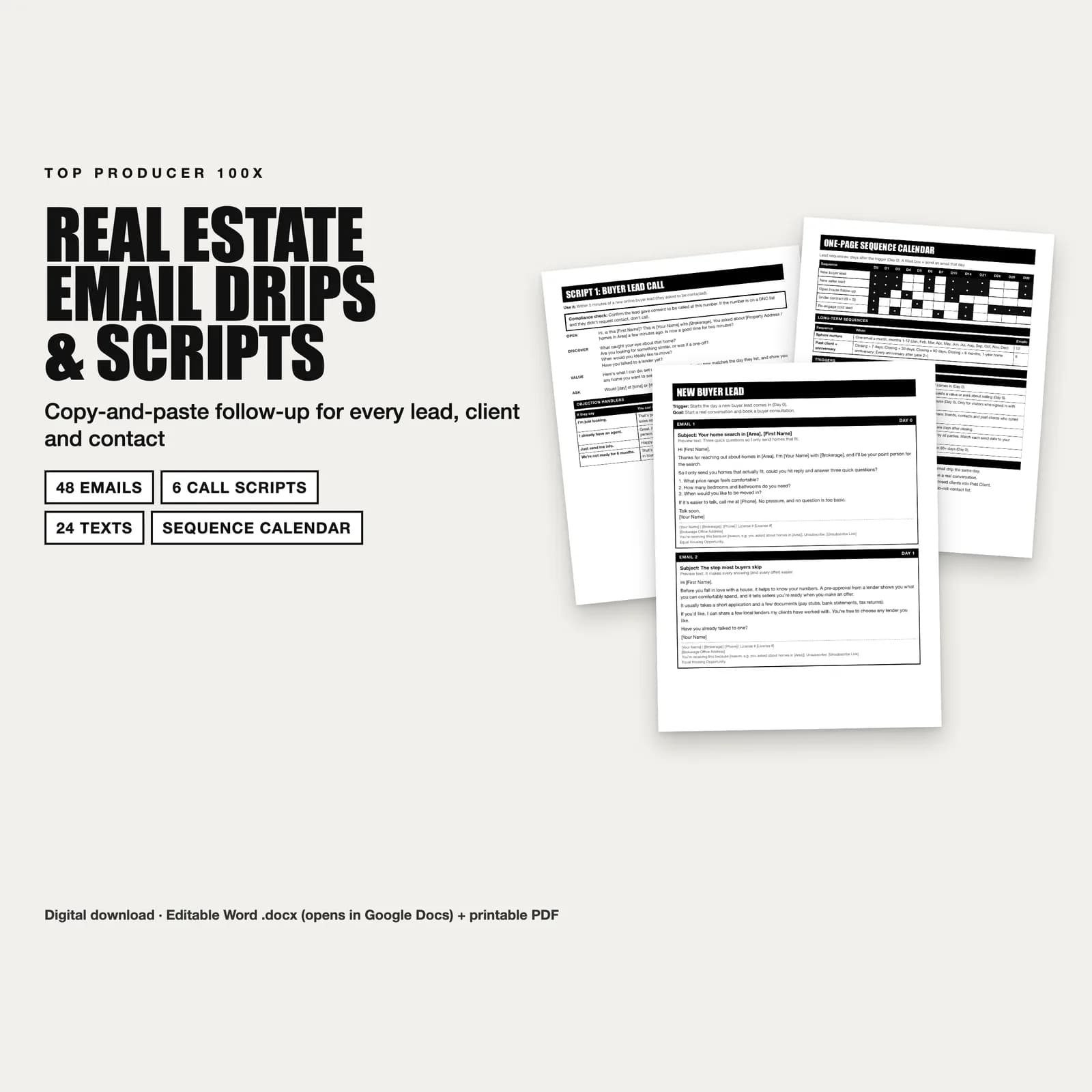
- 8 client update email templates: under contract, inspection scheduled, inspection results, appraisal in, weekly status update, clear to close, closing day and after closing
You also get a START HERE guide with setup steps.
How it works
- Open the tracker in Excel, or upload it to Google Drive and open it with Google Sheets.
- Check the default day counts on the Setup tab so they match the contracts you usually see.
- Add a file with its address, side and effective date, and every deadline is calculated for you.
- Open This Week each morning, mark items Done, and print a checklist for each file.
Details
- The tracker is an .xlsx for Excel 2016 or newer (Mac or PC) and Google Sheets. It doesn't use macros.
- Yellow cells are for typing, and gray cells are formulas
- Printable PDF: 9 pages, US Letter (8.5 x 11 in), black and white
- Email templates use placeholders like [Client Name], [Your Name], [Brokerage], [Phone] and [License #]
- This is an instant download, so nothing is shipped
Please note
- Deadlines come from your contract, and this tool does not give legal advice. The day counts are generic examples. Always use the dates in your signed contract, your state forms and your brokerage's rules.
- Not legal, tax or financial advice.
- Before you call, text or email, check Do-Not-Call / TCPA and CAN-SPAM rules and your brokerage's rules.
- License: one agent, or one team under a single brokerage, for their own transactions. Please don't resell or redistribute it.
- Instant downloads can't be returned, but if anything isn't working, email us at [email protected] and we'll fix it.
Top Producer 100X